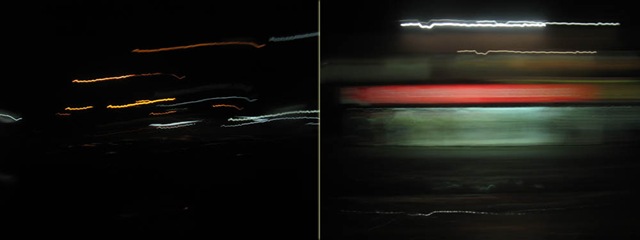
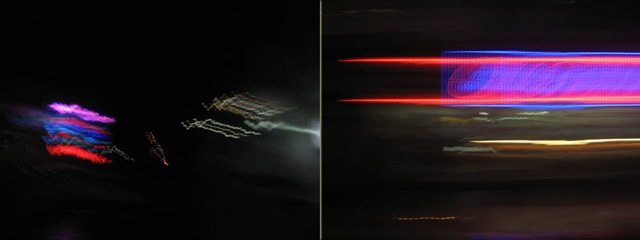
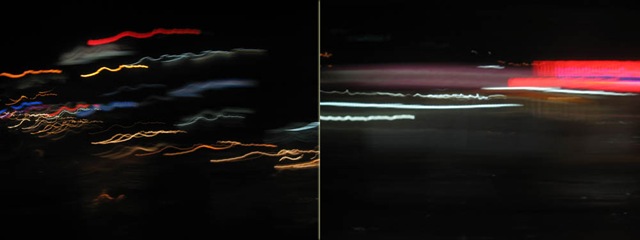
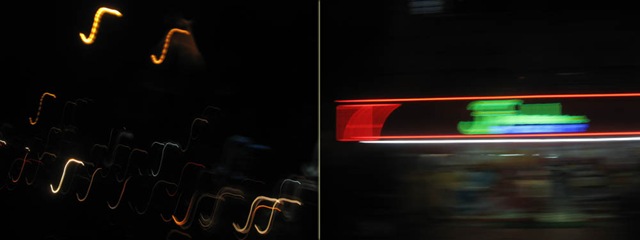
57 exposures.
25 seconds per exposure.
1425 seconds.
exposure started at 3.00 am.

From Coimbatore to Madurai another 5 hours.
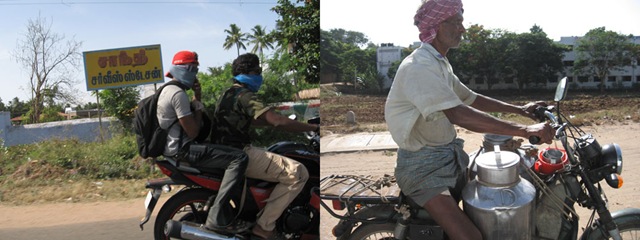
It's a learning experience to see how people make a living on the remoter villages where fewer infrastructure is available.
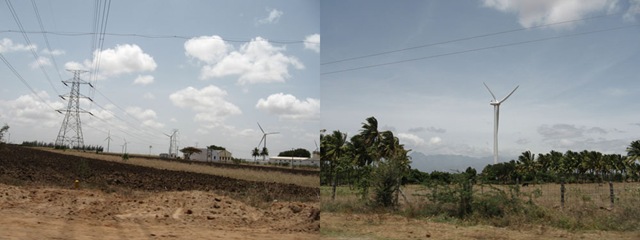
We saw this huge windmills setup in a vast area, like our grandpa's palm tree field. These creatures are really tall (nearly the height of 5 coconut trees) spreading to a vast area creating a buzz sound in the atmosphere.
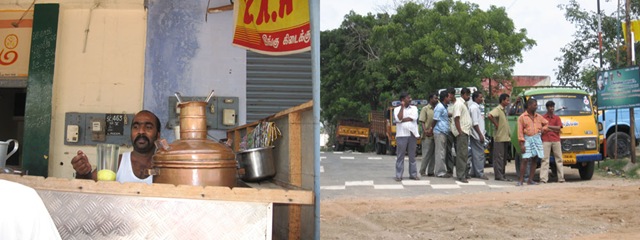
This accident happened the night before on the highway we drove. The truck driver was driving drunken at high speed and couldn't see the small car flashing through and both crashed, the witnesses say. The driver in that car was crushed so badly and found dead after few minutes. That's why they always say, " don't drink and drive".
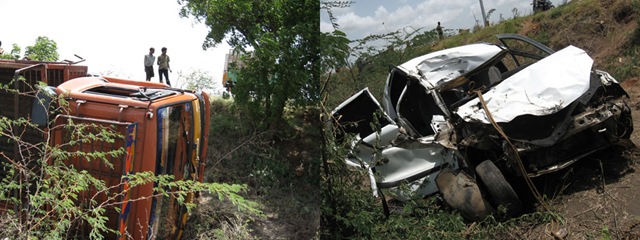
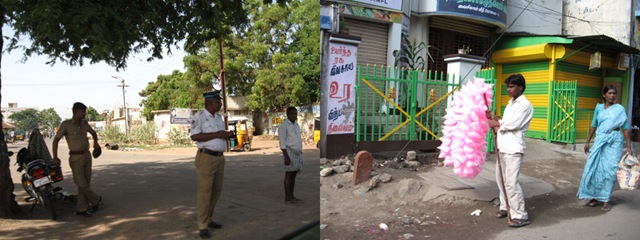
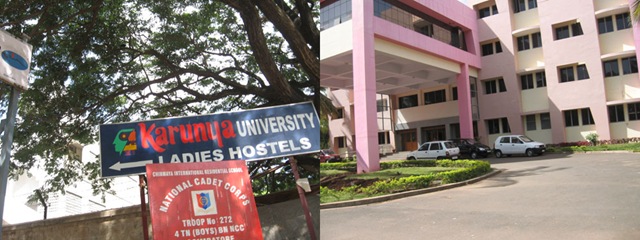
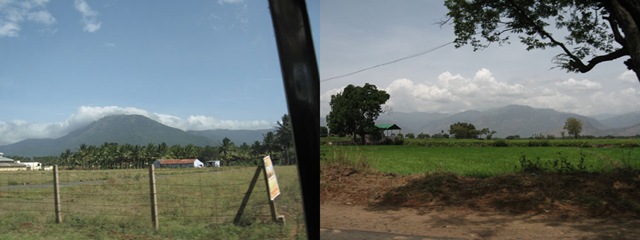
My friend and I were travelling from Mysore to Madurai last July. These are snaps from Mysore to Coimbatore - a 5 hour journey by car.
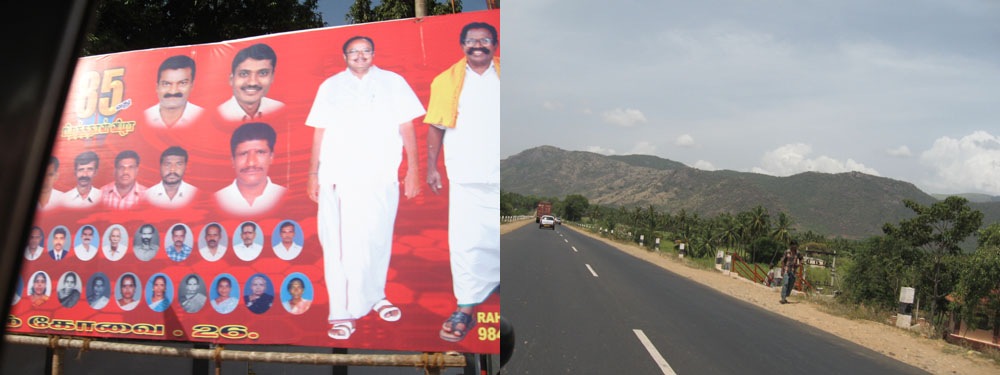
It was late evening, probably the best time of the day to photograph. You wouldn't be bored to see the rice and sunflower fields pass by while people rush side by side across the highway.
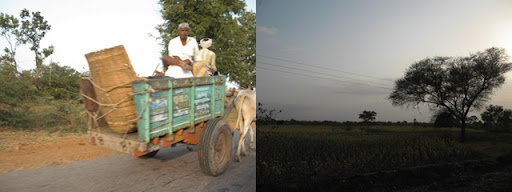
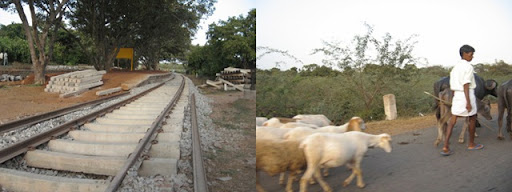
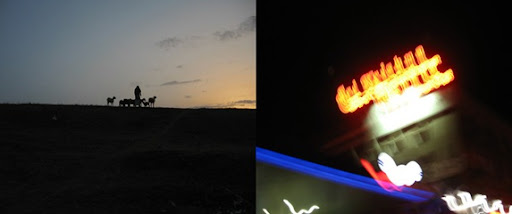
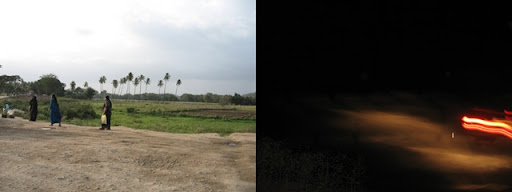
We made a stopover at Coimbatore, a busy shopping area, you can judge it alone by street side billboards. You will find a lot of restaurants open till late night but its always good to be cautioned at the hygiene factor.
After a good night of sleep at the hotel, the next day (Day 2) we set out again to Madurai.
pinhole camera project is developing quite well. this time results were more brighter and prettier than expected. a white screen was inserted and pictures turned out damn good than previous shots.
These are some pictures from the box. (click for larger image)
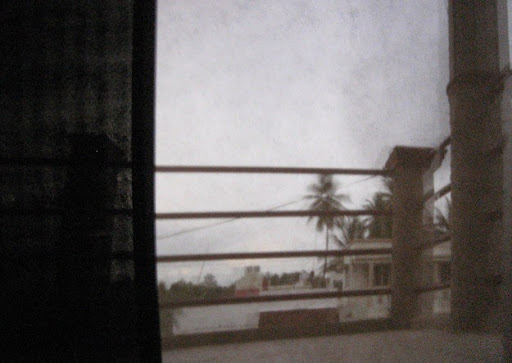
as you can see in this picture, black rectangle is without white screen but right part is much brighter on white screen.
I've pushed up ISO @ 800, so somehow noise is visible here and shutter speed @ 64 seconds.
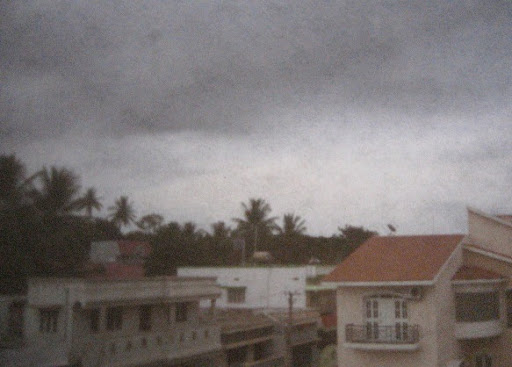
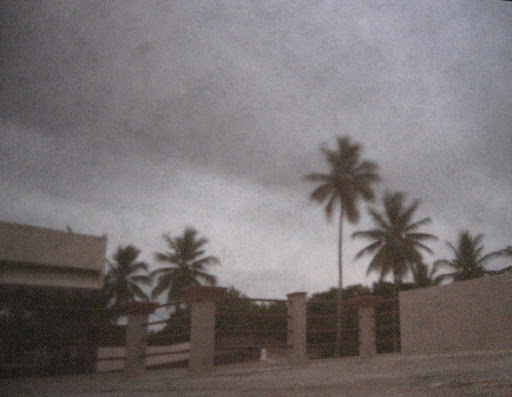
this picture below is something special and I liked it very much.. focus, blur, sky, lighting, exposure, this is perfect for me. you judge it ; /
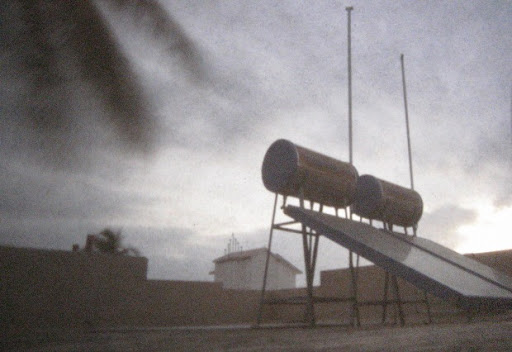
I'm trying to shoot some night shots but the big challenge here is making the box light proof. Somehow I can see some progress, so I shall try it to bring it over here.
thanks for visiting. : )
HDR is termed as High Dynamic Range which dramatizes different exposures and intensity of colours in one image. The darker and lighter areas of the image are neutralized to create a cool atmosphere and it gives a whole new colour intensity levels.
Creating HDR image is simple. You don’t need to own a high end DSLR to create HDR because Photomatix opens a new frontier for your creativity.
I have used Photomatix software here but this can be done in Photoshop CS3 too, but Photomatix has more intelligent tone mapping features which enhance lot of details of the image.
Follow these steps and see the drama it creates. ; p
1. Shoot 3 shots with different exposure; 1 with correct exposure, 1 little lighter, 1 little dark. Its okay if you have more than 3 shots, but 3 shots will do the job.

2. Open Photomatix > Click Generate HDR image > browse and select three shots with 3 different exposure > then OK
3. Now the photo will be generated. You will get a result something like this.

The image may appear darker and some areas of the image will be highly exposed. Now the solution is, go to the TONE MAPPING button on the left.
4. Set the strength, colour saturation, luminosity, and so on. Each of these elements will bring much more detailing and colour intensity.
Below the histogram you can see tone, colour, micro and saturation tabs where you can switch white and black point with gama settings as well.

Play with these settings to get the desired effect you like.
5. Now click PROCESS and there you go!
See the difference with the original picture and the Photomatix version.

You gotta try this out. Good luck.

Note: Photomatix plug-in is available for Photoshop.